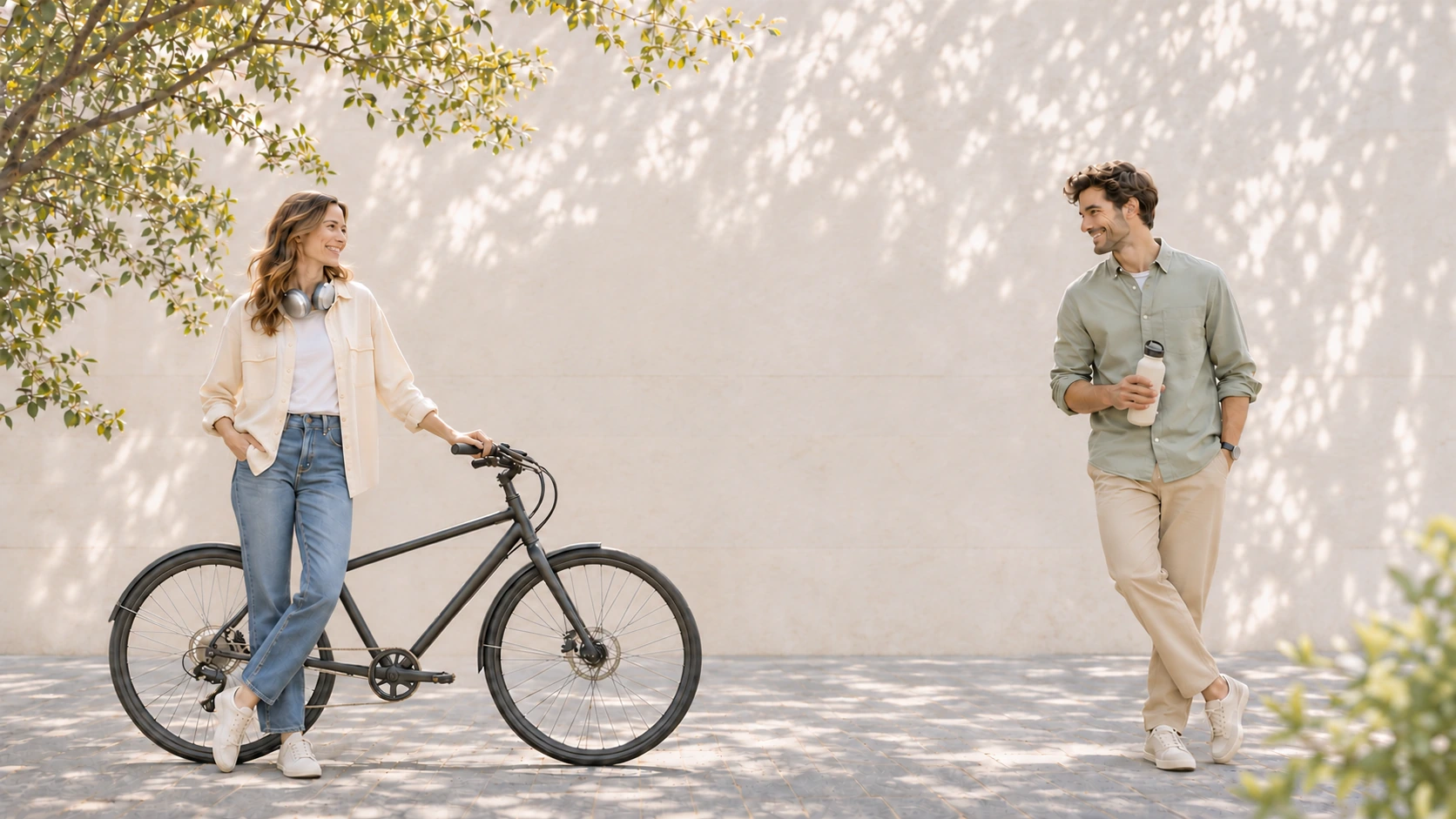
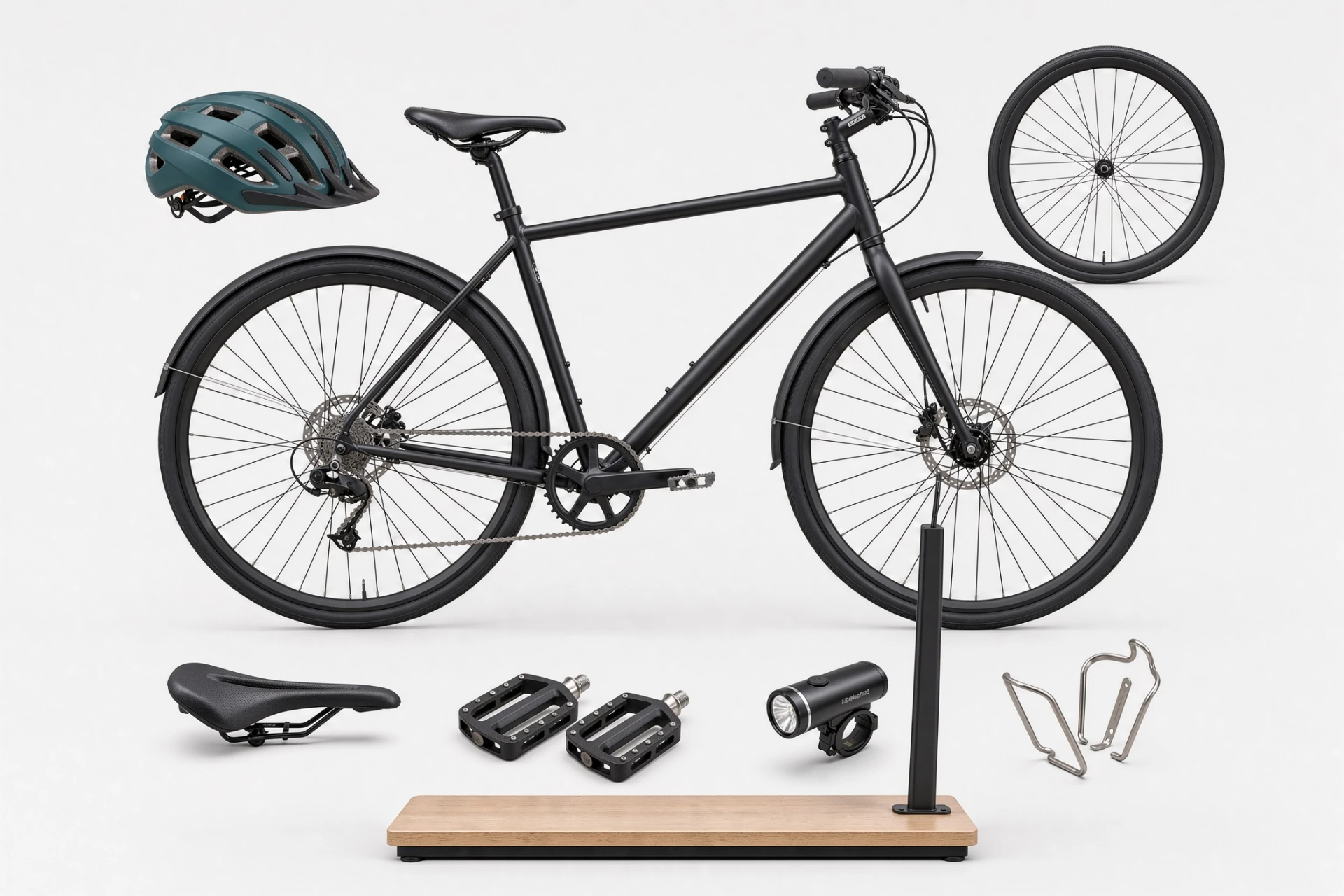
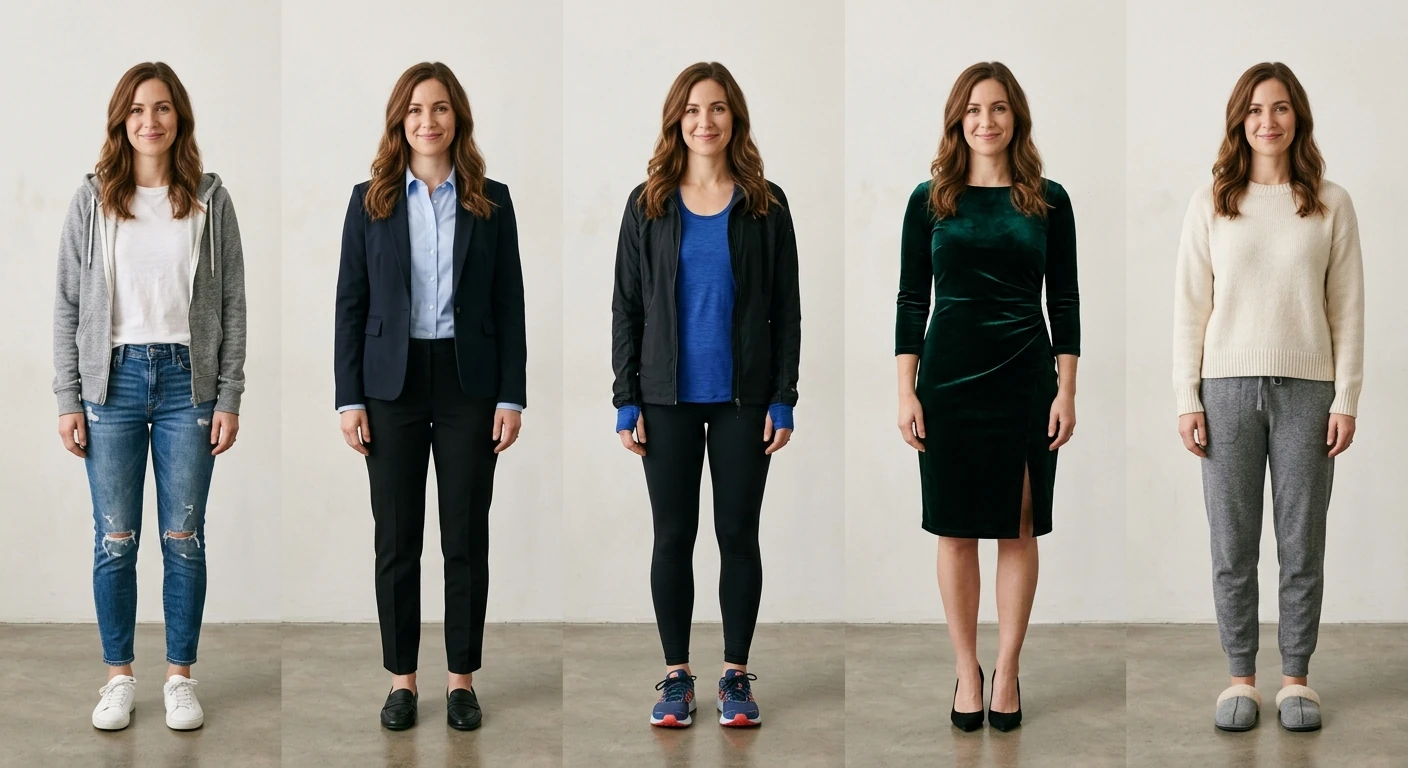
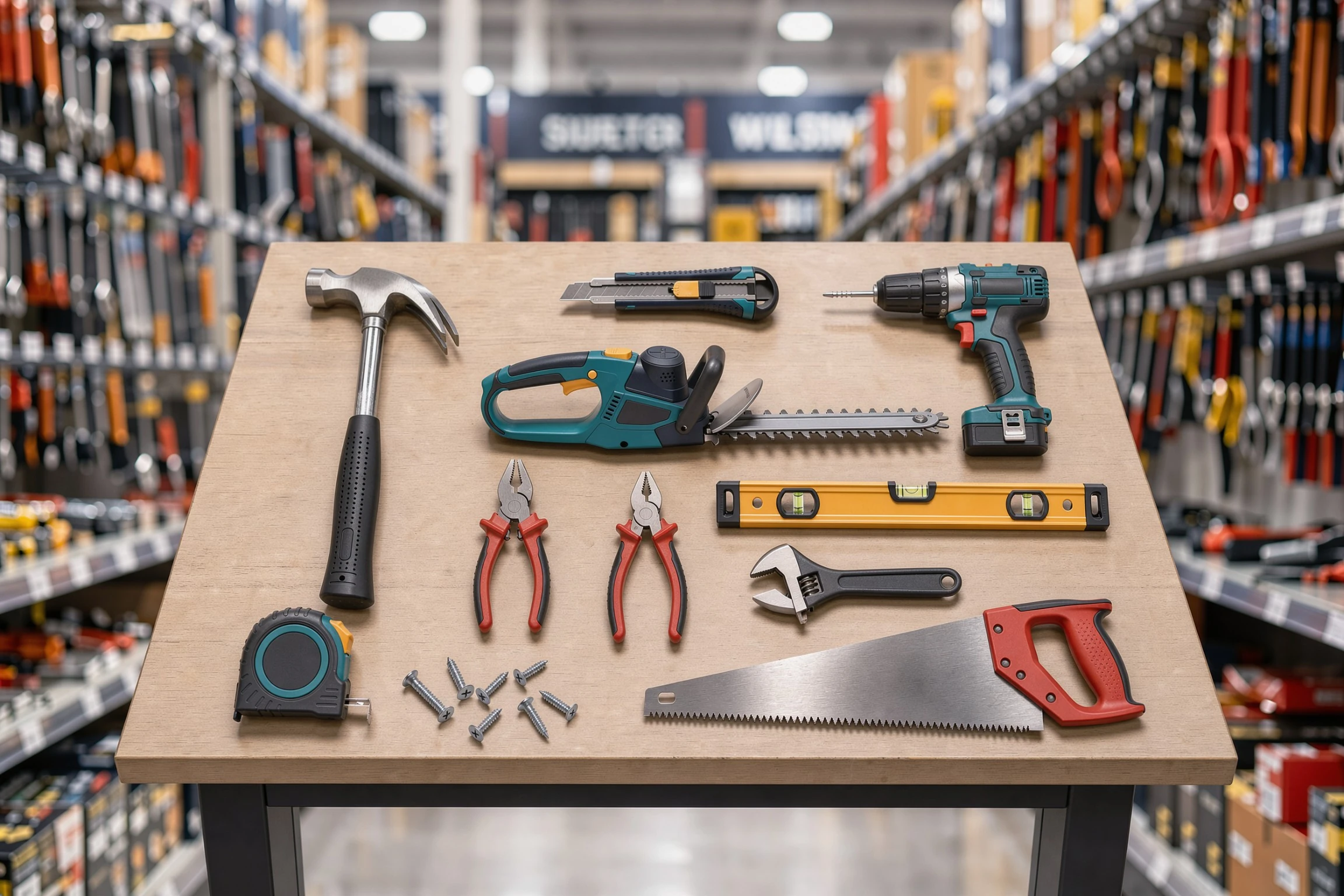
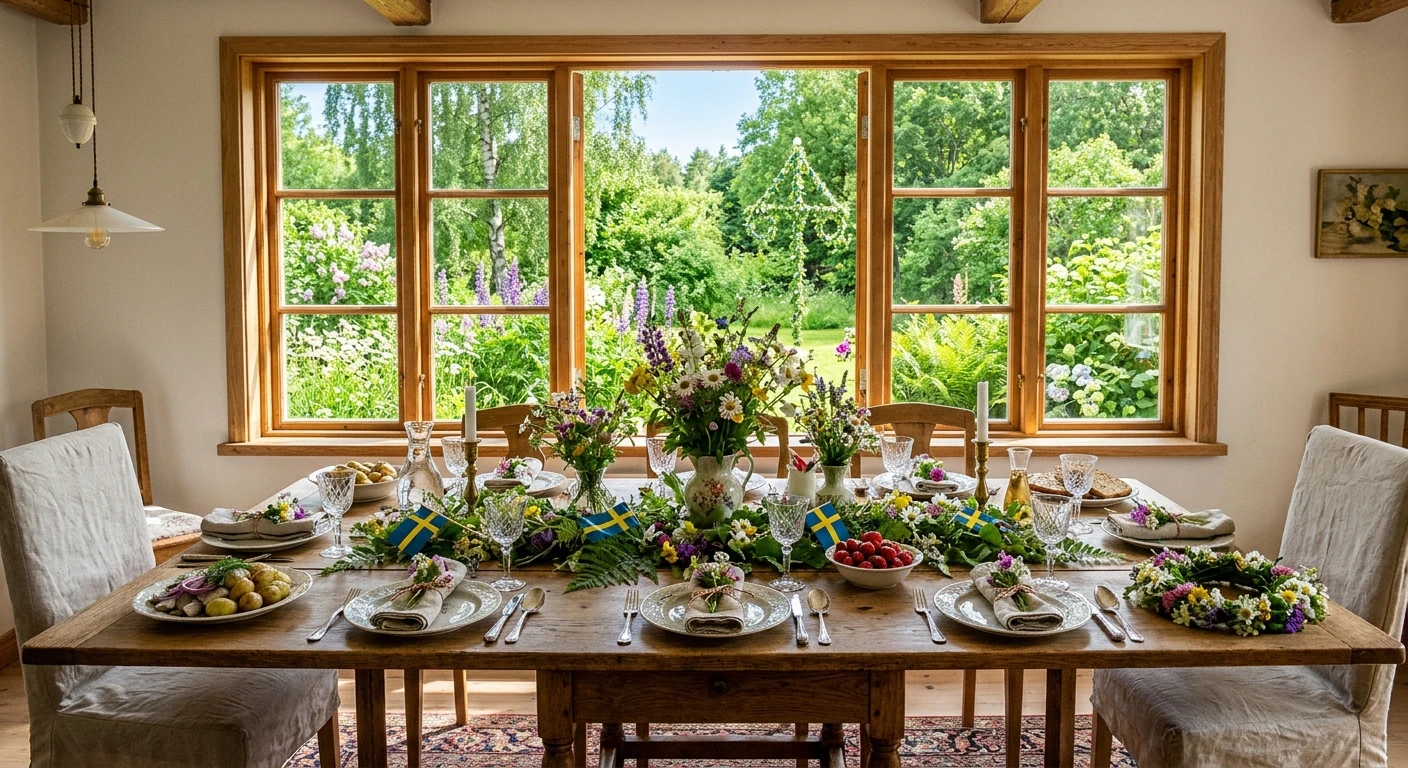
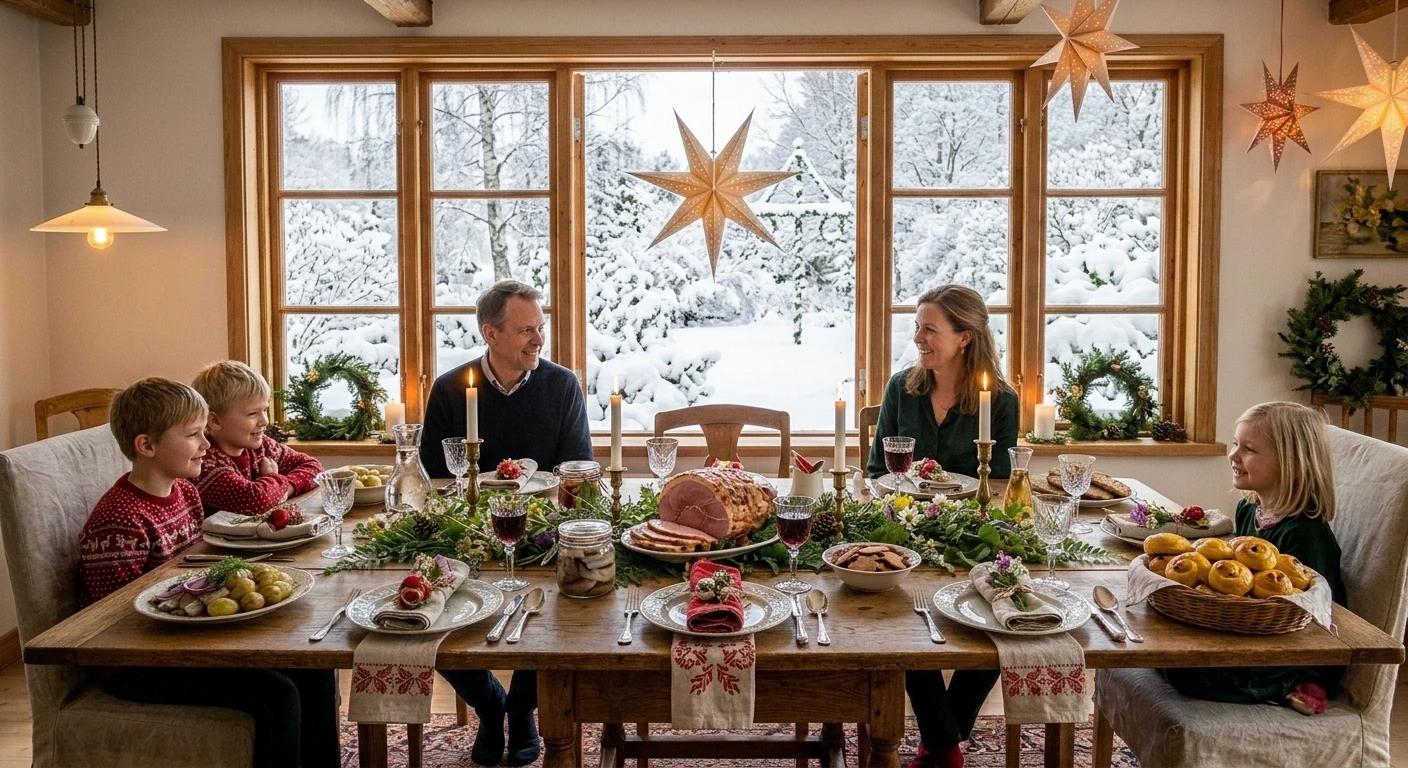
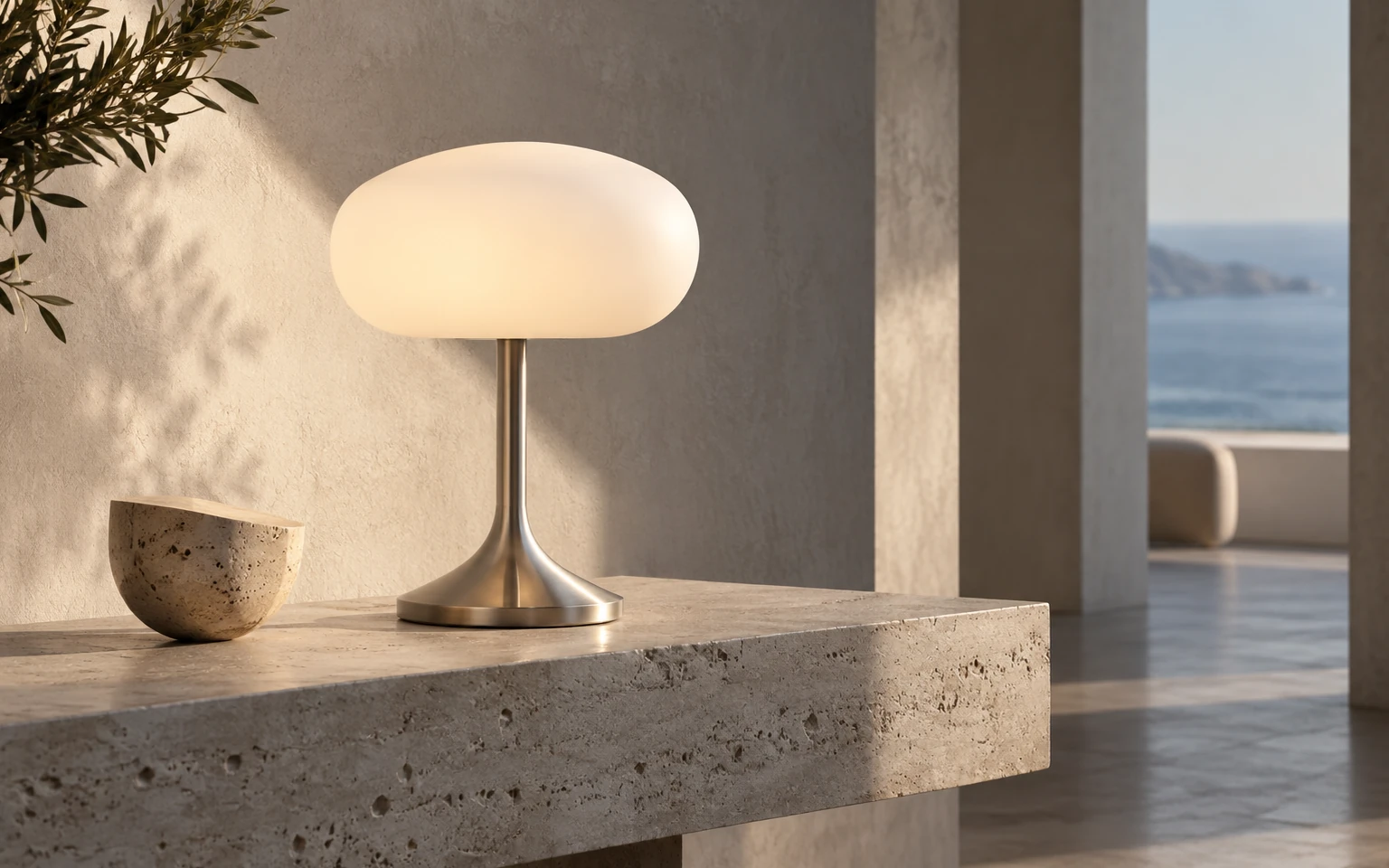
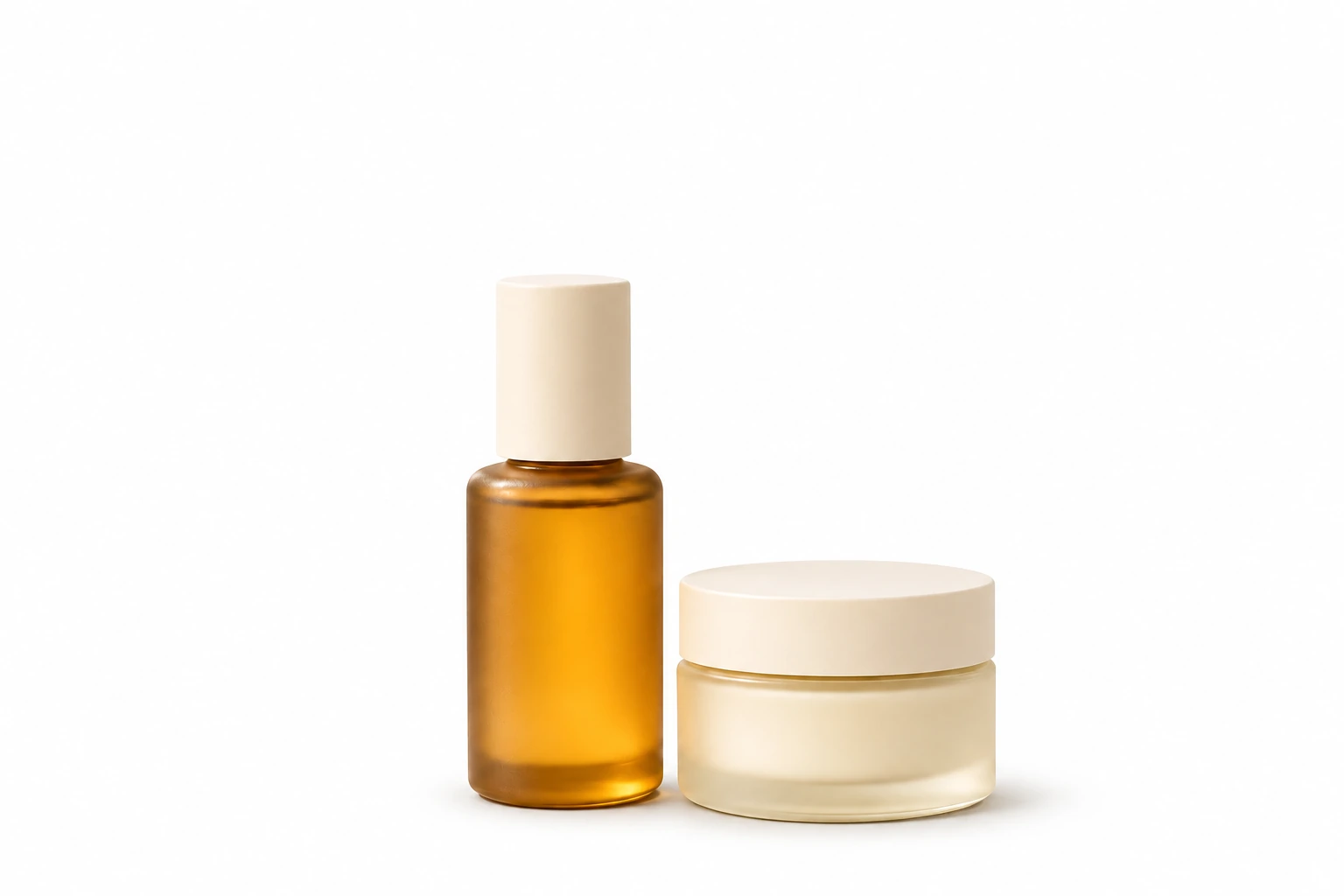
Product, lifestyle and campaign imagery—developed from different starting points, with the same level of control.
Brand campaignLifestyleProduct compositionStyling directionsProducts in contextSummer campaignSeasonal storytellingProduct detailThe starting point
TWO WAYS TO WORK
Direct it manually. Or start with Auto from brief.
Build every zone and reference connection yourself, or let Auto from brief interpret the material and prepare an editable first scene. Both paths lead to the same controlled workspace.
Manual direction
Draw zones, connect exact references and write each instruction yourself.
Auto from brief
Add an image, references and a written or PDF brief to build the first scene automatically.
MORE THAN IMAGE GENERATION
Not just another AI image. A process you can direct.
Control individual changes, connect the right references, work in deliberate stages and keep every version and decision together.
Controlled changes
Define what should change—and what must stay.
Reference-led results
Connect the right visual source to each instruction.
Work in stages
Break complex briefs into deliberate, manageable passes.
A full history
Keep every version and decision in context.
HOW IT WORKS
From brief to approved image, in one continuous workspace.
Use automation to move faster, then apply human direction where precision matters.
01
Choose how to start
Build the scene manually, or add an image, references and a written or PDF brief to Auto from brief.
02
Structure the scene
Draw and connect every zone yourself, or refine the editable scene prepared by Auto from brief.
03
Generate or keep directing
Create an image immediately, or refine the plan in Image Studio before generating.
04
Review, refine and deliver
Compare iterations, refine the details and keep every version together.
01Products02Lifestyle03Campaigns
WHO IT IS FOR
Professional teams producing images for real projects.
01
Products & e-commerce
Develop product settings and compositions from existing photos and references.
02
Brands & marketing
Create campaign imagery with a consistent visual direction across settings and seasons.
03
Creative studios
Manage detailed briefs and revisions without losing context.
IMAGE STUDIO
Bring Image Studio into your workflow.
Book a presentation to explore how Image Studio can support your product imagery, e-commerce content and campaigns.


 Products